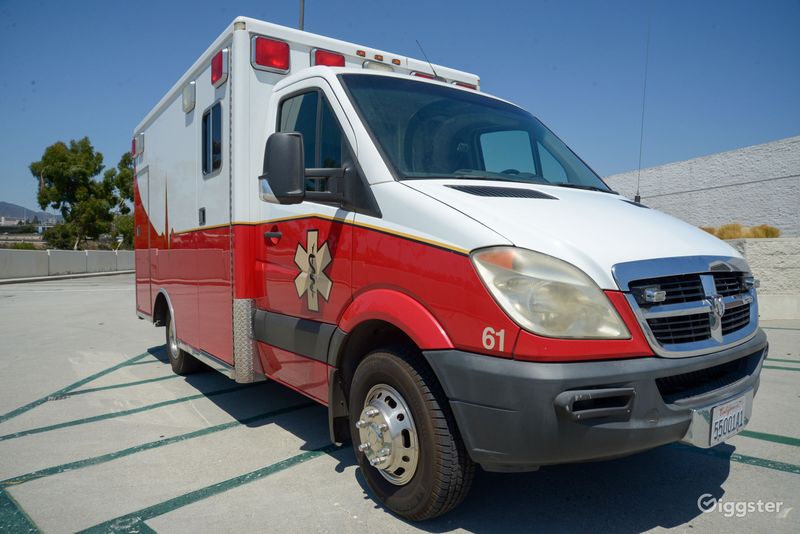
Ambulances
Compare exterior profiles, period references and views for arrival, roadside or patient-compartment scenes.
Production inquiries by phone: 310-776-5311
Vehicle planning
Choose the emergency-vehicle look by what the audience must recognize, which views are needed and what the supplier must confirm.
Compare exterior profiles, period references and views for arrival, roadside or patient-compartment scenes.
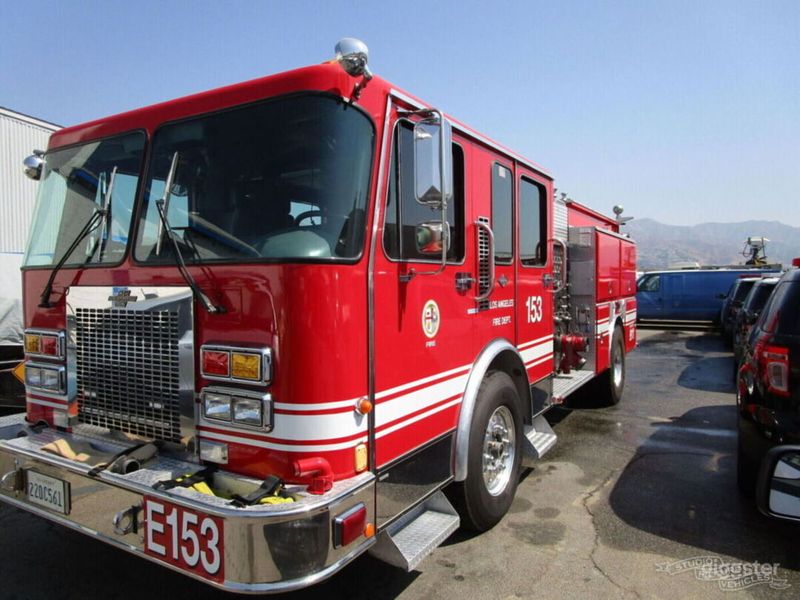
Compare ladder and pumper profiles, overall scale and how the vehicle will sit in the frame.
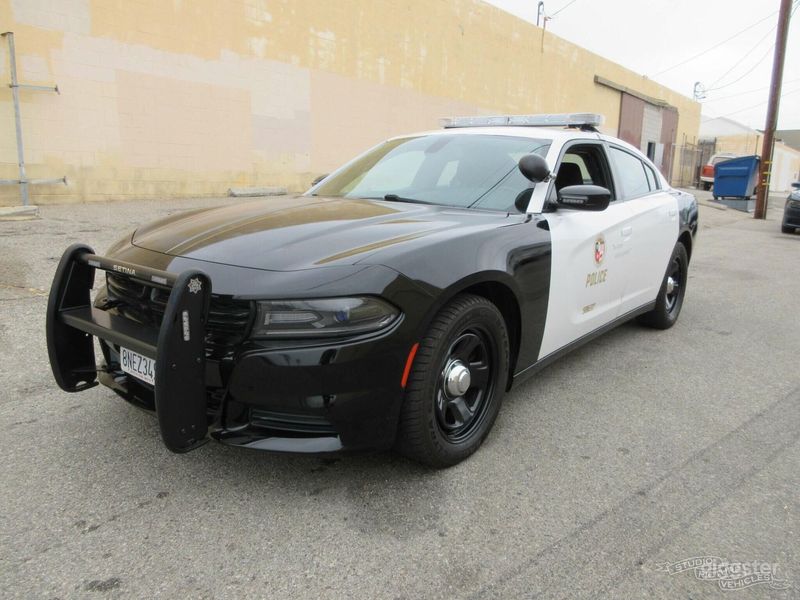
Compare sedan and SUV profiles, desired period and camera-facing markings for patrol, perimeter or arrival scenes.
A category is a starting point for the look. An ambulance suggests a patient-scene context; fire apparatus adds scale; police vehicles establish patrol or perimeter presence; command vehicles show a supervisory role.
| Role on screen | Views to request | Questions to confirm |
|---|---|---|
| Ambulance / patient scene | Side, rear, doorway; interior if scripted | Van, modular or vintage look? Which actual unit and actor interaction? |
| Fire apparatus | Wide profile, ladder line, cab and compartments | Ladder or pumper? What dimensions and setup can be agreed? |
| Police sedan / SUV | Front, camera side, rear and markings | Period, fictional identity, parked or requested movement? |
| Command / supervisor | Exterior, actor position and requested workspace | Is an interior fit-out actually present and suitable? |
Assign a camera role to each vehicle rather than asking for an undifferentiated emergency fleet. Mark which units are featured and which remain background, then compare access, continuity and arrival windows.