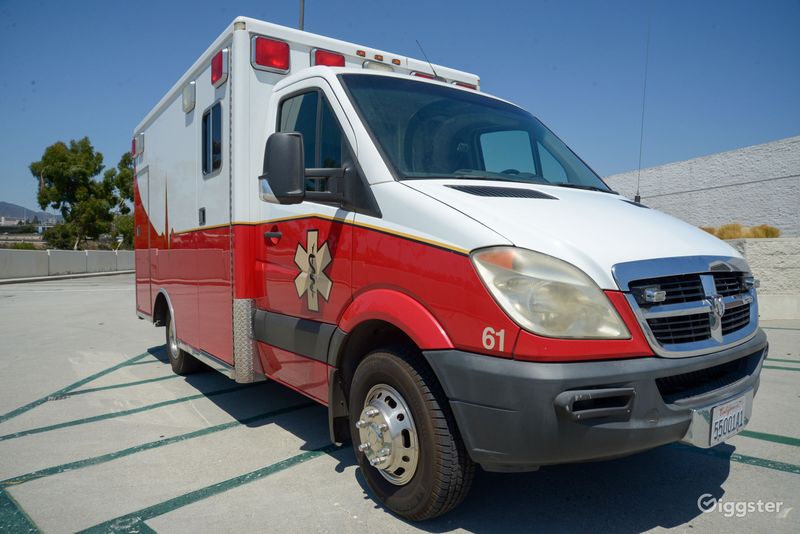
Ambulances
Compare exterior profiles, period references and views for arrival, roadside or patient-compartment scenes.
Production inquiries by phone: 310-776-5311
FOR FILM, TELEVISION & PHOTO PRODUCTIONS
Explore ambulance, fire-truck and police-vehicle looks for your scene. Learn what to confirm, then prepare a clear production brief.
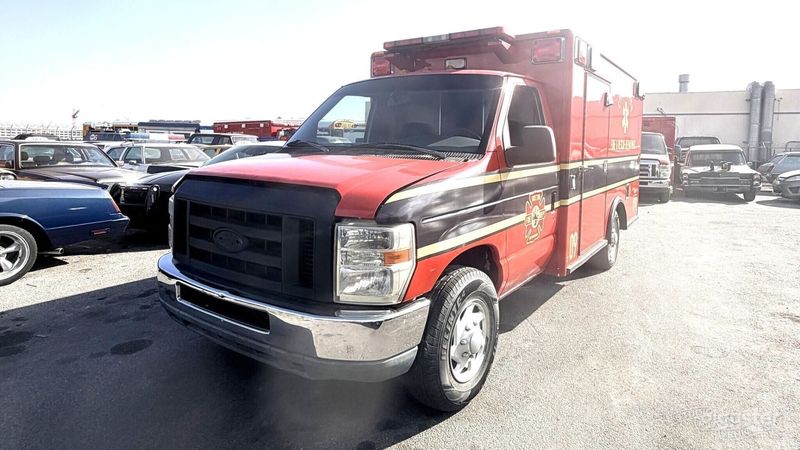
Start with what the audience needs to see. Then identify the look, action and details to confirm.
Compare exterior profiles, period references and views for arrival, roadside or patient-compartment scenes.
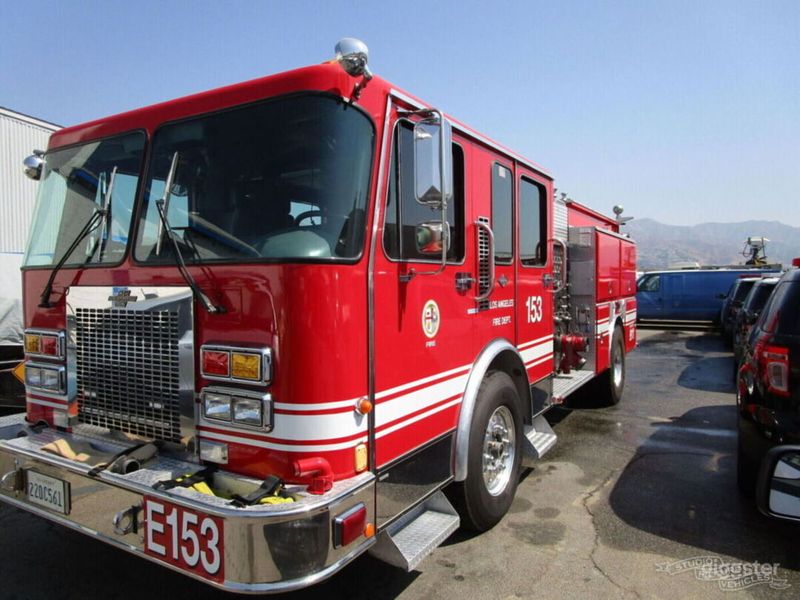
Compare ladder and pumper profiles, overall scale and how the vehicle will sit in the frame.
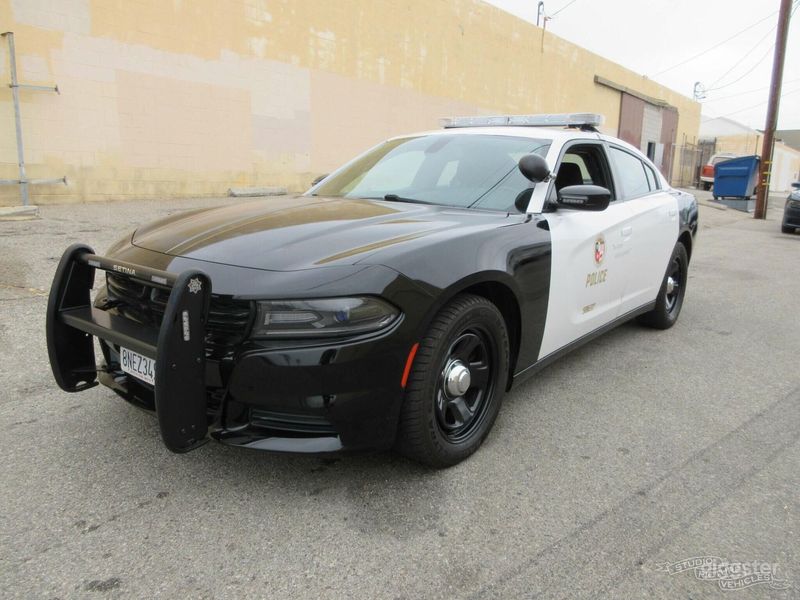
Compare sedan and SUV profiles, desired period and camera-facing markings for patrol, perimeter or arrival scenes.
How to rent
Read the complete rental guide through confirmation, shoot changes and wrap
Reference photos
Use the labeled photographs and descriptions to explain the shot. A photograph cannot confirm present condition, interior access, movement or availability, so ask for current views of the actual unit.
Props, people & support
A scene may need props, wardrobe, graphics, transport, an operator or on-camera performers. List each separately so scope can be confirmed rather than assumed.
Questions
A picture vehicle is a vehicle used on screen as part of a production. Picture vehicles appear on screen as part of what the camera sees. One may be background, featured or part of planned action; the required use still needs discussion.
Use a photo to explain the look. Ask for the actual unit, current photos and availability.
Do not assume so. Identify each need and check the written quote for included and separate items.
Call 310-776-5311. Having the brief template filled in helps the call cover dates, location, the vehicle’s camera role and support needs.
Put the scene, vehicle, dates, location and support needs together. Mark unknowns rather than guessing.